Apple Watch

Apple Watch For Your Kids

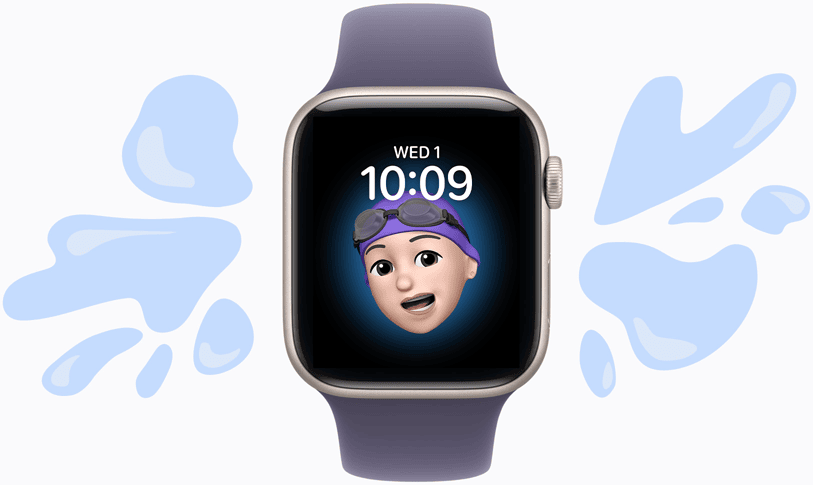
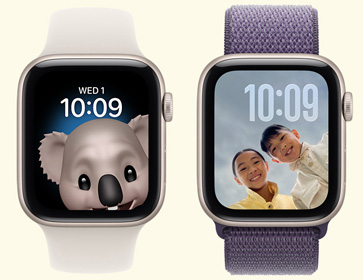
An Apple Watch face shows a Memoji of a young girl, with a text bubble that reads “Dad I'm at the shops,” and a reply that says “OK!” with a thumbs-up emoji.

Set up any Apple Watch with GPS + Cellular for your kids, even if they don’t have their own phone.1 It’s freedom for them and peace of mind for you.
Messaging

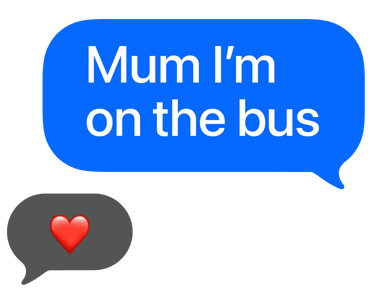
Stay in touch with text.

Text bubble reads Mum I'm on the bus, with a heart emoji reply

Calling

Call your kids at any time.

Illustration of a smiling mum holding her hand up to her ear as if it's a telephone

Location sharing

Know their whereabouts.

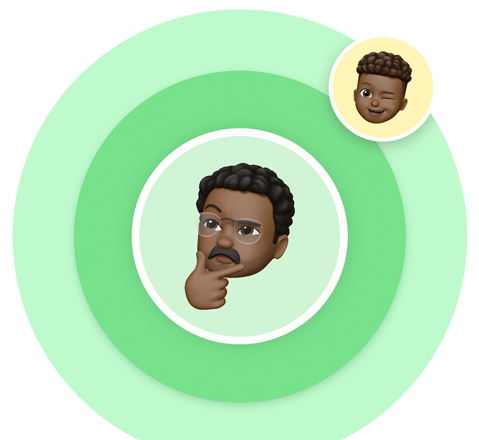
Illustration of a dad holding his chin, thinking, with a smaller bubble showing his winking son

School Time

Turn off distractions.
Turn on learning.

Two students from behind with their arms raised in class, one of them is wearing an Apple Watch

How it works.

Any parent with an iPhone can set up Apple Watch For Your Kids.3

Logo of Telstra.

Carriers that support Apple Watch For Your Kids

Learn more

Kid‑friendly in so many ways.

Shop Apple Watch

Questions? Answers.

  • Apple Watch For Your Kids is a software feature that lets you use your iPhone to set up an Apple Watch (GPS + Cellular) for a child or family member. That means kids who don’t have their own iPhone can easily stay in touch using Apple Watch. Using the Watch and Settings apps on your iPhone, you can manage settings for their Apple Watch, set approved contacts and see their location using the Find My app.

  • To get started with Apple Watch For Your Kids, you’ll need an Apple Watch with GPS + Cellular. An Apple Account will be used to set up your child or family member’s Apple Watch, which they can create during the setup process. An iPhone is also needed for the initial watch setup and to manage settings on their Apple Watch. Your child does not need their own iPhone — that’s the whole point. Only the parent’s iPhone is needed to set up and manage the watch. Setting up an Apple Watch for a family member will also create a Family Sharing group, if you don’t already have one. Check with your carrier regarding adding a carrier plan.

  • We recommend Apple Watch SE 3 with GPS + Cellular, but other cellular‑enabled Apple Watch models (Series 4 or later) will work.

  • Yes. Having mobile reception is required to connect your kid’s Apple Watch to a carrier network with its own carrier plan, so your child can stay connected even without your iPhone nearby. The watch can be used with its own phone number and account.

  • Telstra and BetterRoaming currently support Apple Watch For Your Kids. Check with your carrier to see if your current iPhone plan is eligible for Apple Watch mobile connectivity. If you have an enterprise or corporate plan, check with your company or carrier to see if they support this feature.

  • You can manage settings on your child or family member’s Apple Watch by using the Watch app and Settings on your iPhone. You can also control exactly who can contact your child — approve specific contacts for calls and messages, and block all others, so your child can only be reached by people you trust. Schedule School Time, set approved contacts for calls and texts, set limits on purchases and more. And with the Find My app, you can also view your family member’s location, set Location Notifications or locate a lost device.

  • Yes. Using the Find My app on the parent iPhone, you can set up Location Notifications that alert you when your child arrives at or leaves a specific location, like school, home, soccer practice or a friend’s house. You can manage these alerts directly from the parent iPhone.

  • School Time is a setting that restricts notifications and disables the use of all apps on your child’s Apple Watch. You can adjust the schedule for School Time in the Apple Watch app on your iPhone. When School Time is active, the watch face has a yellow circle indicating that access to apps is restricted and Do Not Disturb is turned on. Even when School Time is active, your child can always make Emergency SOS calls and contact their designated emergency contacts.

    Learn more
  • Apple Watch For Your Kids allows kids to benefit from many communication, safety and wellness features like making calls, sending texts, sharing location, using Emergency SOS, using Siri, tracking Activity Rings and much more. Some features like Apple Pay, Medications, Sleep and ECG require an iPhone and are not available for kids without an iPhone.

    Learn more
  • Learn more about setting up Apple Watch for a family member.

  • Instead of sharing an account with your child, which can give them unwanted access to your personal data, create an Apple Account for them. Then you can easily set age‑based parental controls, and they can use Family Sharing, Messages, the App Store and other Apple services.

    Learn more
  • Yes. You can set up and manage Apple Watch For Your Kids for multiple children from a single parent iPhone. Each child will have their own Apple Account and their own approved contacts, School Time, schedule and settings — all managed separately through the Watch app on your iPhone. Family Sharing supports up to five family members, so you can keep the whole family connected from one place.

  • Currently, one parent’s iPhone is used as the primary manager of a child’s Apple Watch. However, both parents can view the child’s location through the Find My app if they are both part of the same Family Sharing group. Full management controls are tied to the account that completed the initial setup.

  • Family Sharing makes it easy for you and up to five other family members to share access to music, apps and other subscription purchases, all without sharing an Apple Account.* You can set up an Apple Account for kids, to set permissions remotely with Screen Time, and approve spending and downloads from a parent’s device with Ask to Buy.**

    Learn more
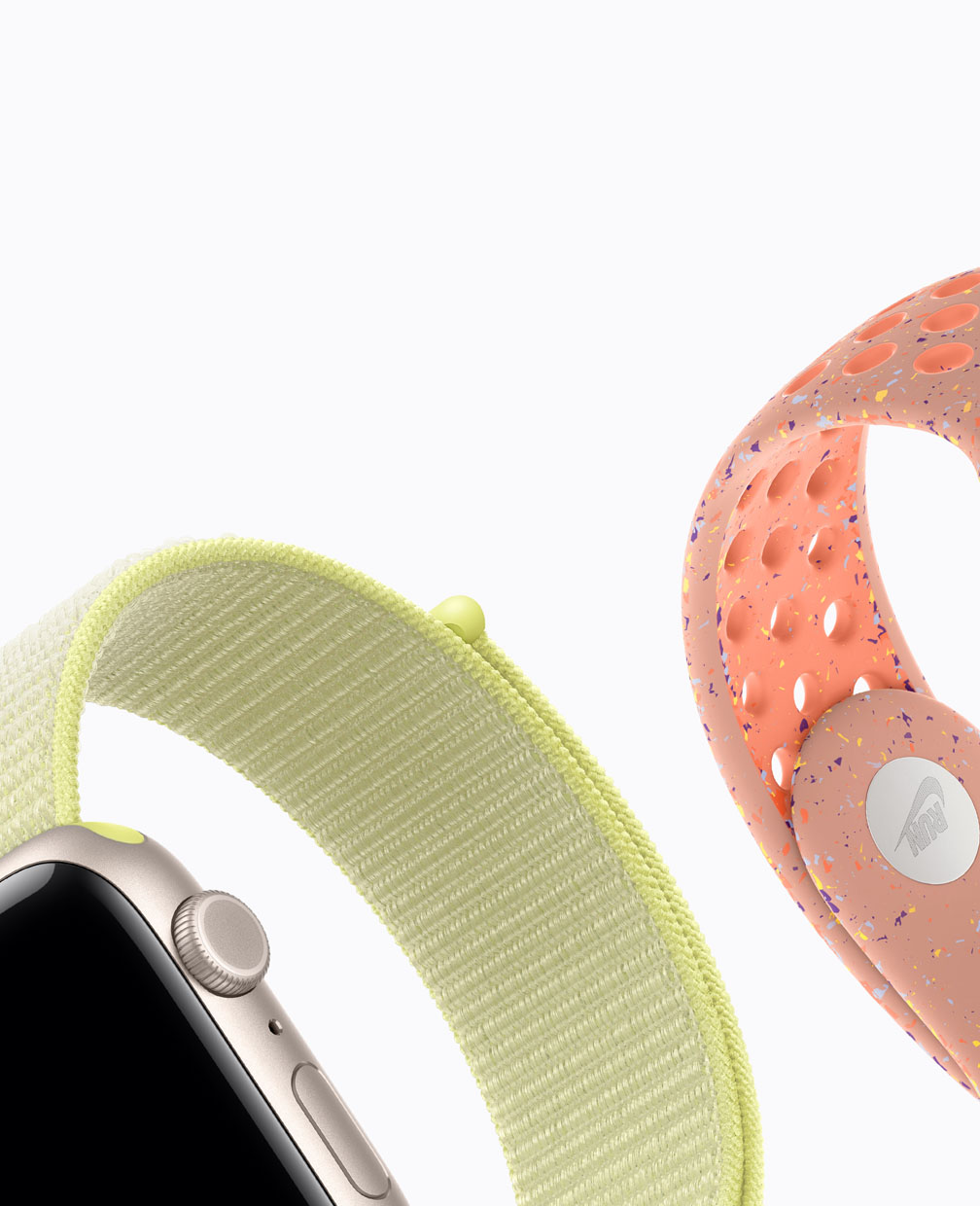
  • The Sport Band, Sport Loop and Solo Loop are easy to wear and great for kids with wrists of all sizes. The rubber Sport Band comes in a range of sizes with an innovative pin‑and‑tuck closure. The Sport Loop is soft, breathable and easy to adjust. And the Solo Loop comes in customisable sizes and offers a stretchable design without clasps that is easy to slip on and off.

  • As long as your child’s Apple Watch has an active carrier plan, it will work anywhere with mobile reception — at school, a friend’s house or while travelling domestically. Over Wi‑Fi, the watch can also stay connected when mobile reception isn’t available.